I Developed a Toolbox App: CreativeUtil
Recently, I developed a new app called Creative Util, this time exclusively for the Mac platform. In both work and daily life, I often need various small utilities—things like converting Markdown to WeChat articles, uploading screenshots to OSS, color picking, document processing, and more. Usually, I’d either use tools like utools or find some online website for a quick fix. But I’ve always wanted a more complete local toolbox that could handle all my needs. After some deliberation, I finally built this app. It includes three categories of tools: Design & Creation, Development Assistance, and Document Processing. Currently, it already contains nearly 20 commonly used tools, and I’ll continue adding more over time.
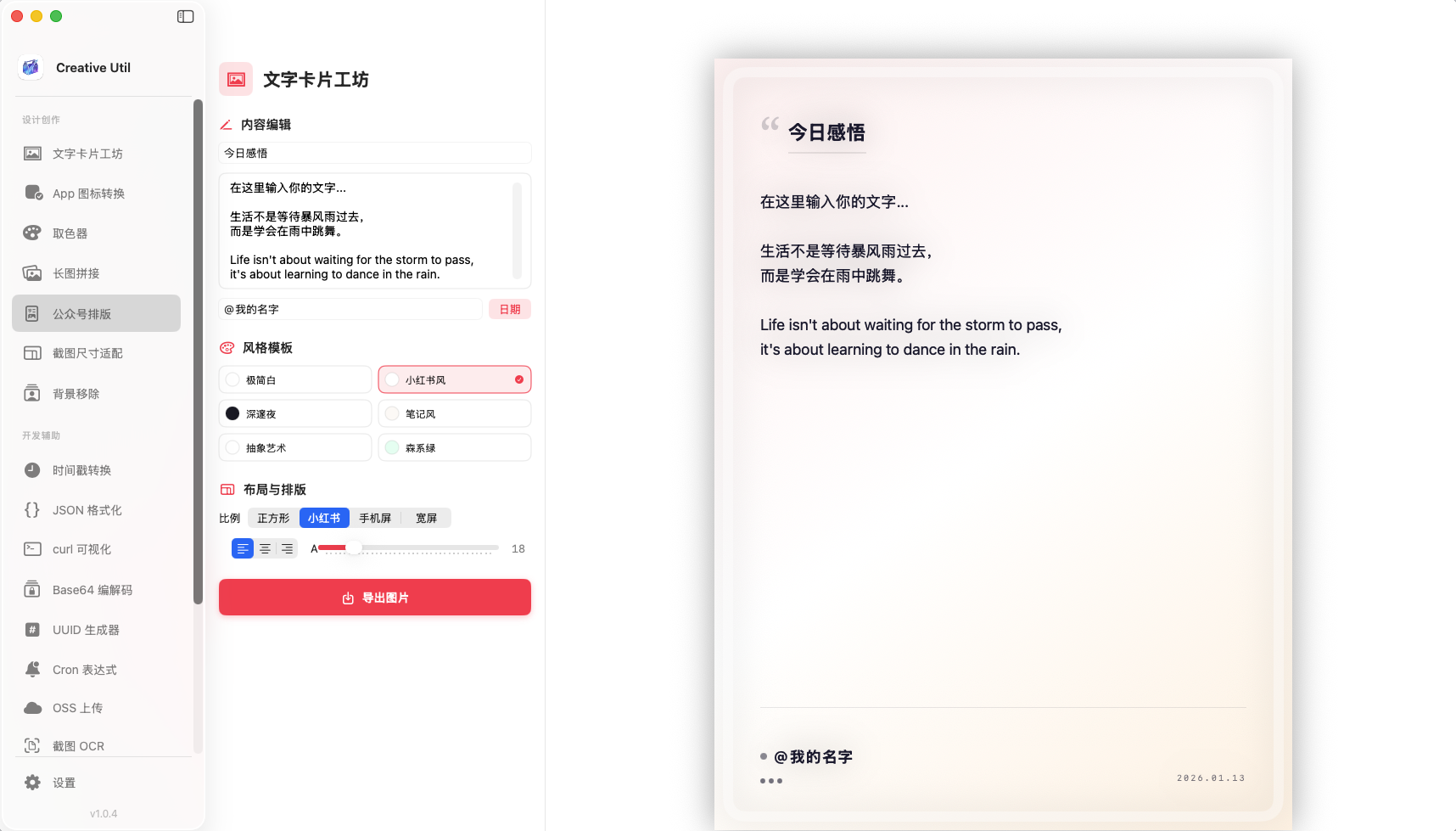
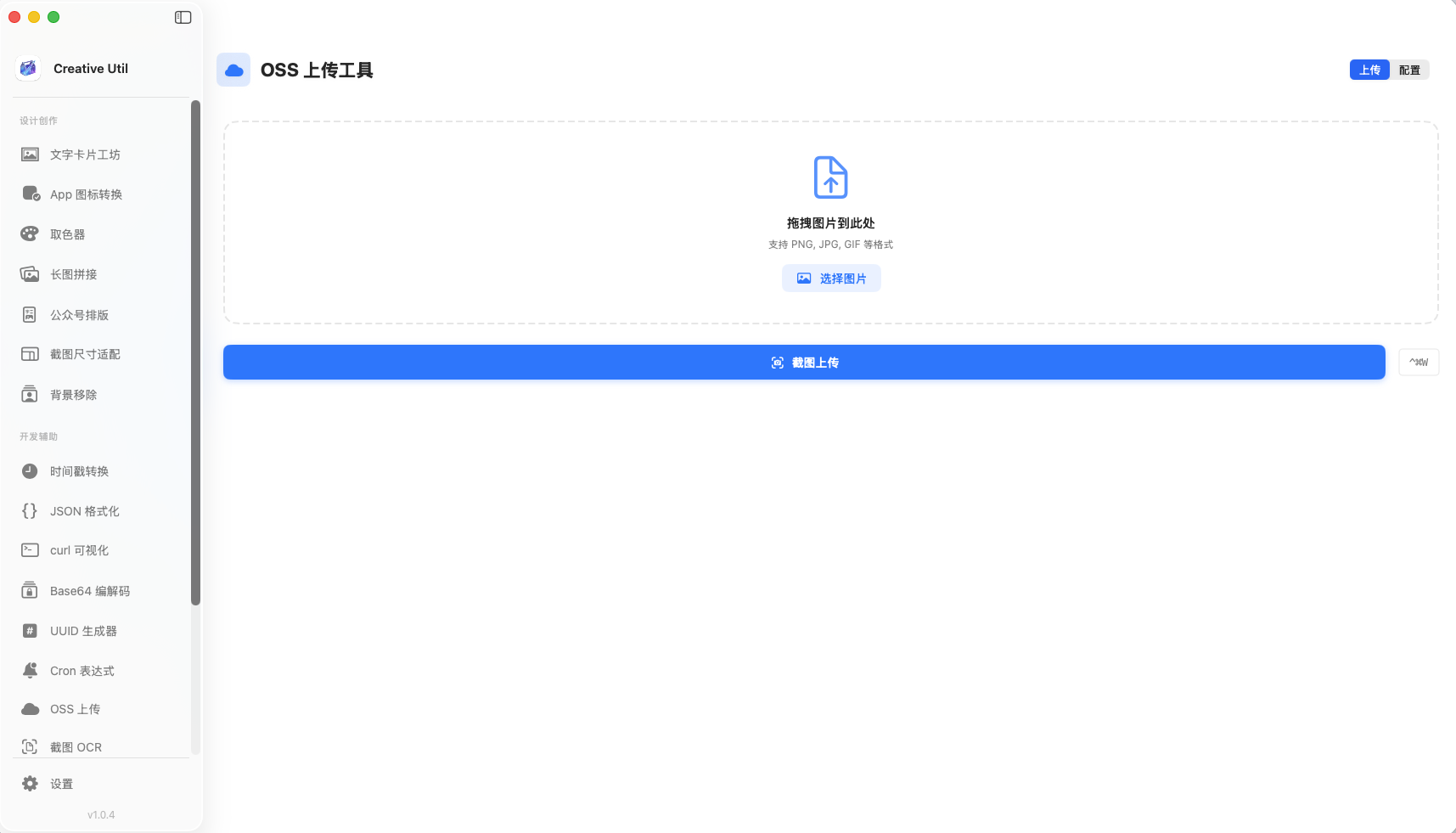

In summary, CreativeUtil is an All-in-One productivity app designed for content creators, visual designers, and developers/operators. It helps you consolidate commonly used but scattered tools into one unified toolkit—switch apps less, stay focused and inspired more. If there are any tools you’d like to see added, feel free to leave a comment or send me a message. I’ll collect the feedback and keep expanding the toolkit. Once there are more tools, I’ll also support custom tool arrangement, so you won’t have to scroll past tools you don’t need to find the ones you want.
App Store link: CreativeUtil
PS: My other iOS app, Nosick, is also being continuously updated. If you’re interested, feel free to check it out and show your support. Thank you ღ( ´・ᴗ・` ) ♡